FileMaker Development
When the spreadsheet stops keeping up.
If your organization runs on a tangle of spreadsheets, email and memory, a custom FileMaker database can pull it into one place: built around how you actually work, easy for your staff to use, and connected to your website so information arrives on its own.
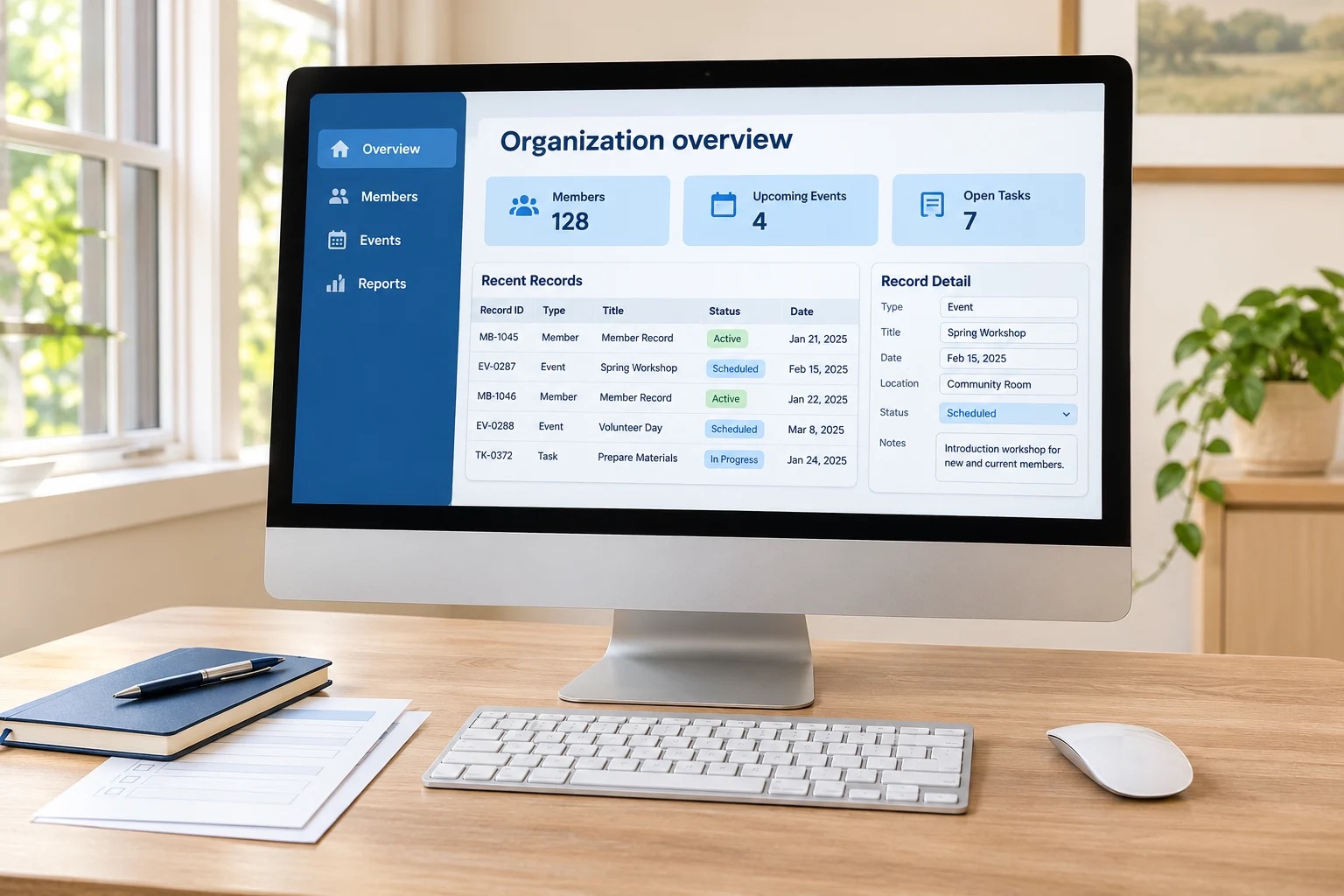
filemaker-ipad.jpg
a custom database on an iMac
What a custom database can do
- Registration and enrollment. People sign up on your website, and the records land in FileMaker ready to use. No retyping.
- Members and dues. Who’s current, who’s lapsed, who needs a reminder.
- Events and conferences. Attendees, exhibitors, sessions, badges and payments.
- Collections and inventory. Art, archives, equipment and stock, with photos and history.
- Reports and exports. The list your board asks for, in one click instead of an afternoon.
- Automation. Confirmation emails, reminders and the routine steps nobody should do by hand.
An example: the Traditional Jazz Camp
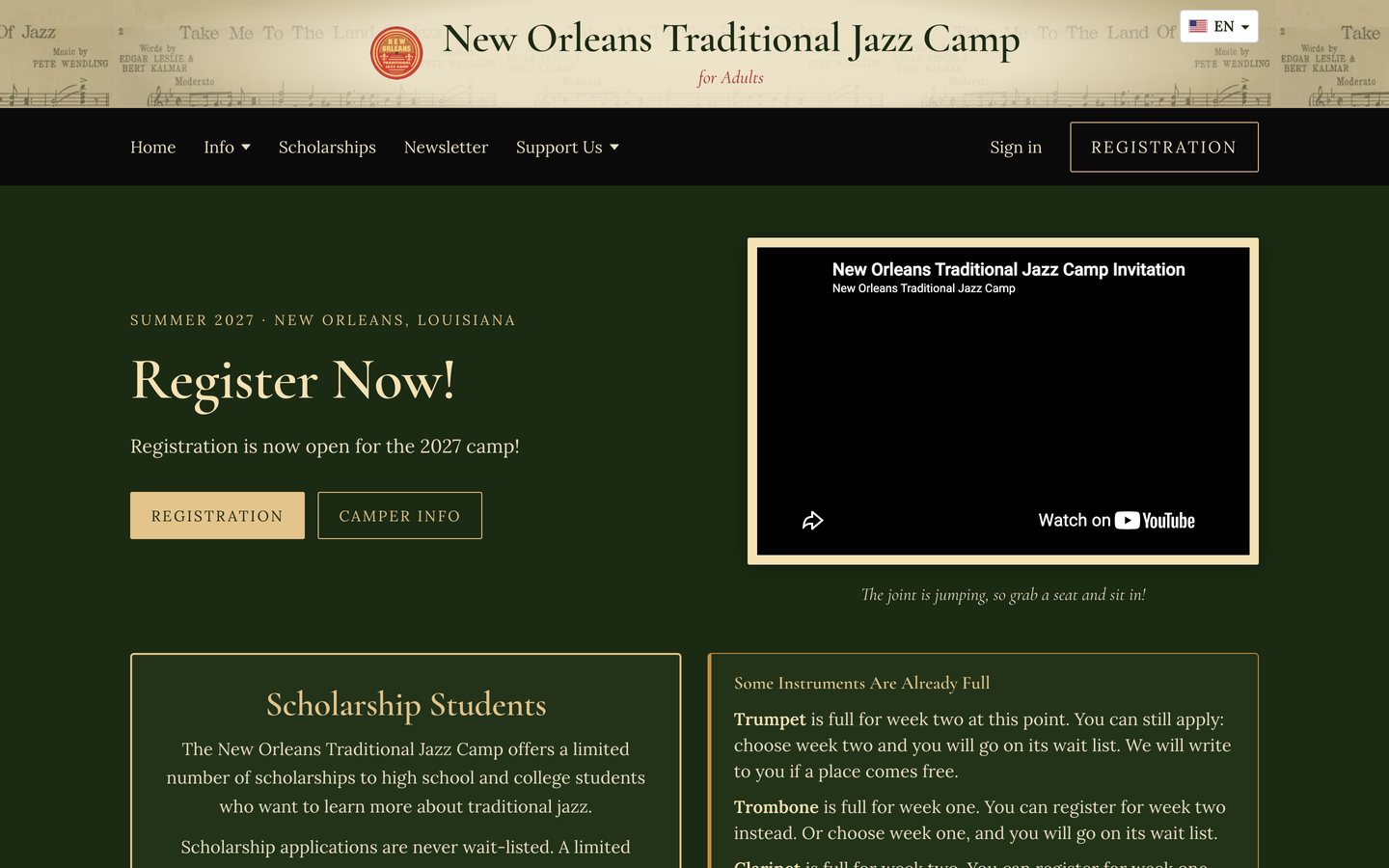
Every summer the New Orleans Traditional Jazz Camp welcomes adult musicians from around the world. Campers register on the camp’s website, and their records flow into a FileMaker database I built, where the camp manages sessions, instrument limits, wait lists and scholarships. Campers can update their own details online, and the staff never retypes a form.
How I work on a database
I learn your process first.
What happens today, who touches it, and where it hurts.
We agree on version one,
in writing, and keep it small enough to finish.
I build it and you try it
with real (or realistic) data before anyone relies on it.
I train your team
and stay on hand as your needs change.
I keep your data private. Your records stay on your own FileMaker system or server, and I never show real client data in my portfolio.
Questions people ask
We already have a FileMaker file someone built years ago. Can you work on it?
Yes. I can fix, modernize or extend an existing database. I’ll review it first and tell you what I find.
Do my staff need FileMaker on their computers?
They can use FileMaker Pro on a Mac or PC, FileMaker Go on an iPhone or iPad, or a web browser. Which mix is right depends on your team.
Can it connect to our website?
Yes. That’s one of my specialties. Web forms can feed FileMaker directly, and information can flow back to the site.
Is FileMaker still a good choice?
It depends on what you are trying to do. For many jobs, TCMS 3 will be the best choice. For projects that require everything stay off the web, FileMaker is definitely the best choice.