Apple Consulting & Support
Your Apple gear, working the way it should.
Whether it’s one Mac at home or a dozen in an office, I’ll get it working, keep it working, and show you how to get more out of it.
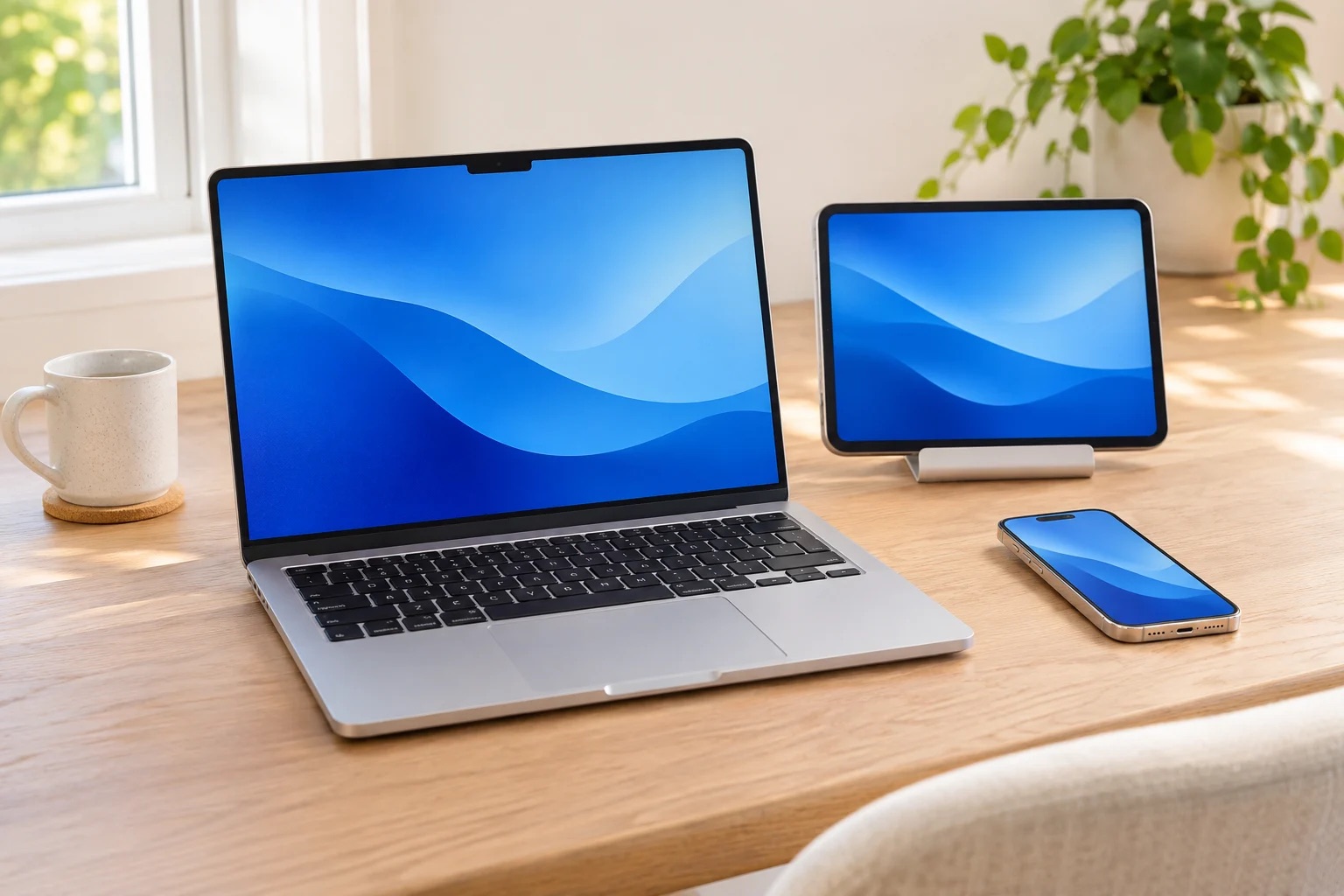
apple-family.jpg
the Apple family on one desk
What I do
- Troubleshooting. Slow Macs, full disks, mysterious errors, printers that won’t print, Wi-Fi that drops.
- Choosing the right device. Honest advice on what to buy, and what you don’t need to buy.
- Setup and moving to a new Mac. Your files, apps, mail and settings, moved over and checked.
- Upgrades. macOS and iOS updates done safely, with a backup first.
- iCloud, Photos and backups. Making sure what matters is in more than one place.
- Home and office networks. Wi-Fi coverage, routers, shared drives and printers.
- Accounts and security. Passwords, two-factor sign-in, and who has access to what.
- Personalized training. One-to-one sessions at your pace, about the things you actually use.
Apple, from the inside
1985
Apple consultant
I started helping people and businesses get the most from Apple technology, back when that meant a Macintosh with one floppy drive.
Apple
Former Senior Small Business Evangelist
At Apple I championed small businesses: understanding what they needed from their technology and making sure Apple heard it. It taught me that the right tools matter less than how well they fit the people using them.
MacSpeech
Former Chief Evangelist
At MacSpeech I spread the word about speech recognition on the Mac: demonstrating it, training people on it, and showing what talking to your computer could really do.
- Mac
- iPhone
- iPad
- Apple Watch
- Apple TV
- AirPods
- Apple Vision Pro
- iCloud
Where I work
In person in the New Orleans area, and remotely anywhere, with a secure screen-sharing session that you start and stop.
For small businesses
Shops, restaurants, nonprofits, professional practices and associations: organizations with somewhere between one and twenty-five people, where technology matters but nobody’s job is to look after it. I can be the IT department you don’t have.
- Technology plans that fit your size and budget, with no enterprise products you’ll never use.
- New office setup: computers, phones, Wi-Fi, printers, shared files and backups.
- Making things talk to each other: your website, email, calendar, database and payments.
- Choosing software and services, with an honest view on what’s worth paying for.
- Ongoing help, for when the new hire needs a laptop or the printer gives up on a Monday.
AI tools that earn their keep
Tools like ChatGPT and Claude can save a small business real time when they’re used well: drafting, summarizing, answering routine questions, tidying data. I use them in my own work every day, and I can help you and your staff work out where they truly help, where they don’t, and how to use them without putting private information at risk.
Questions people ask
Do you only work with businesses?
No. About as many of my Apple clients are individuals and families as are businesses.
Can you help remotely?
Yes. For most software problems I can connect to your Mac, with your permission, and fix it while you watch. Hardware and network problems usually need a visit.
Should I repair my old Mac or buy a new one?
It depends on its age, what’s wrong and what you use it for. I’ll give you a straight answer, even when it’s “keep it.”
Do you sell hardware?
No. I’ll tell you exactly what to buy and where, so the advice is never about a sale.
I’m not very technical. Is that a problem?
Not at all. That’s most of my clients. I explain things without jargon and I never make anyone feel silly for asking.
Do you offer a monthly support plan?
Both ways work. You can pay as you go, by the hour, or we can agree a monthly plan with a set number of hours and first call on my time.
We use Windows PCs as well as Macs. Can you still help?
My deepest expertise is Apple, and I’ll tell you when a Windows specialist is the better call, but I can help for the everyday things: setup, email, networks, printers and shared files.